Let's start with the most unexpected discovery for me. Two years ago, I couldn't have dreamed of such a feature running smoothly on portable consumer hardware without cloud connectivity.
Offline chatbot Ollama
I constantly use ChatGPT to find answers to specific queries. That's why I always use it in the longest discussion mode. But sometimes you need quick answers, or, conversely, non-urgent ones, that can be processed in the background. For example, when searching for synonyms, trying to understand the meaning of a sentence in a foreign language, calculating compound interest, getting recipe advice, or simply organizing information.
For this, I use a local chatbot with built-in small speech models. By 2026, they'll be smart enough to avoid severe hallucinations and help with work. But the main advantage is that the chatbot will work even without internet access. It's an indispensable tool on a train or plane.
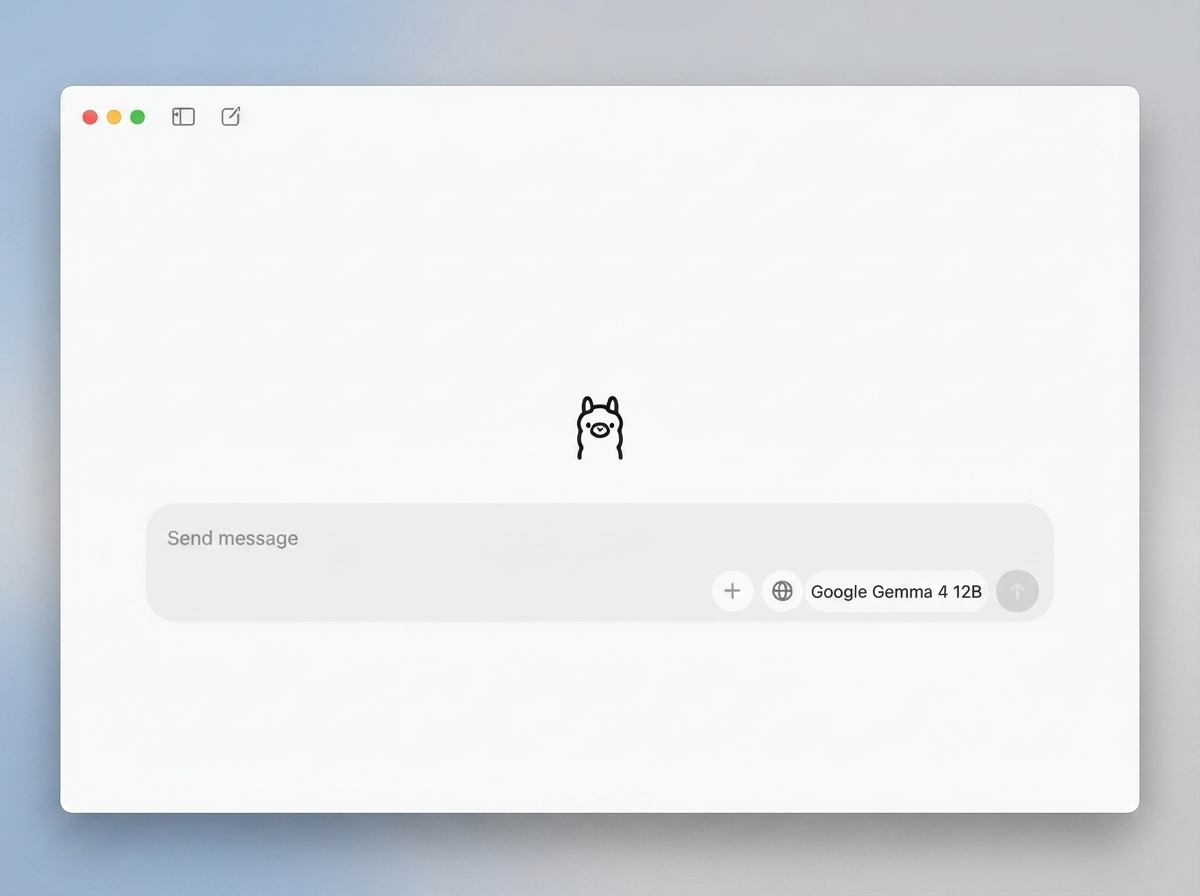
On my MacBook Pro M1 Pro with 16GB of RAM, I use Ollama, which comes with two offline models: Google's Gemma 4 12B and Alibaba's Qwen 3.5 9B.
They take up 8GB and sometimes more of the RAM while running, so the device needs at least 16GB of unified memory to maintain fluid multitasking without aggressive swapping.
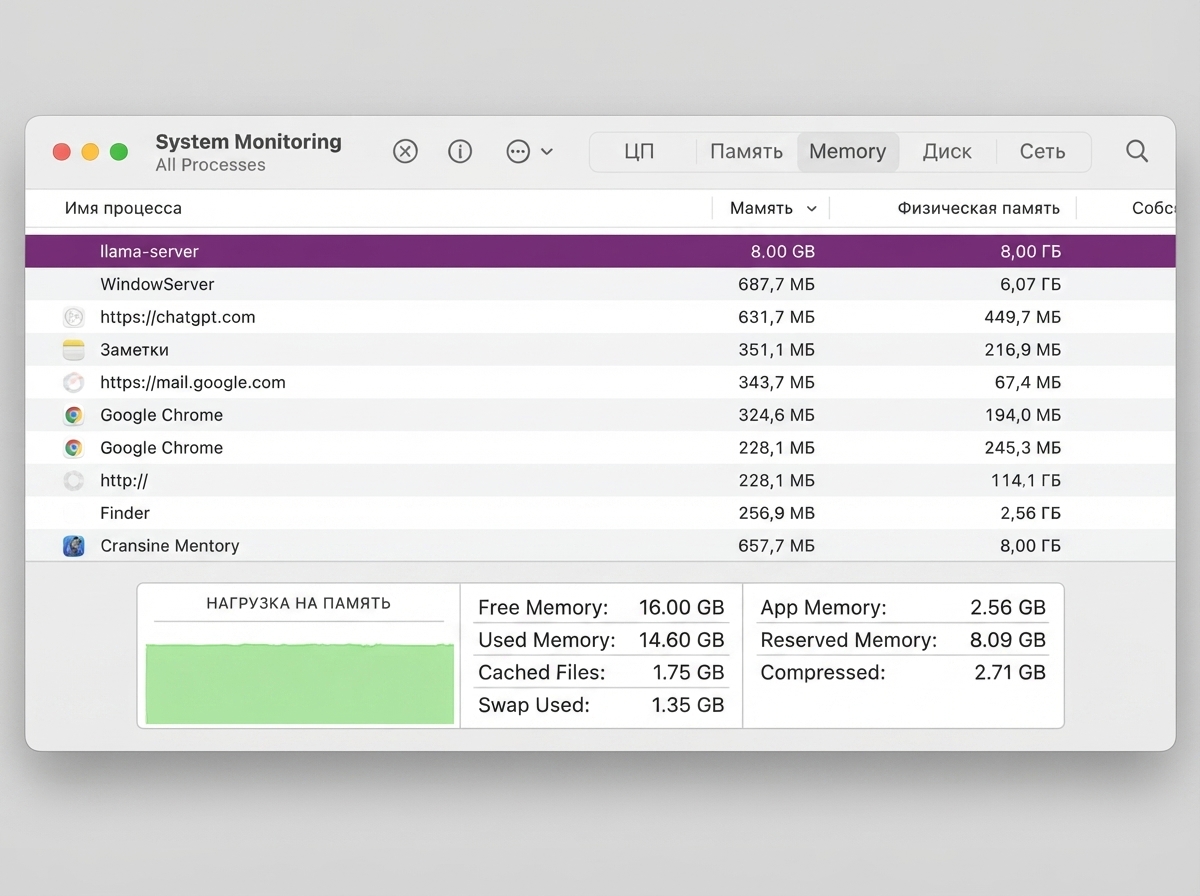
How to install Ollama & Models on Mac
Installing the local model on a Mac is simple:
- Open Terminal on your Mac (press
Cmd + Spaceand typeTerminal). - Enter the command:
curl -fsSL https://ollama.com/install.sh | sh - Enter one of the two commands:
# To install and run Alibaba Qwen 3.5 9B:
ollama run qwen3.5:9b

# To install and run Google Gemma 4 12B:
ollama run gemma4:12b
Now in the Ollama app, select the desired model and chat.
Draw Things for generating images
It's not just chatbots that can be taken offline. I first encountered the Draw Things app about three years ago while exploring the workings of OpenAI's DALL·E 2 visual generative model.
This app allows you to download a neural network and create images locally. It's available for Mac, iPad, and iPhone.
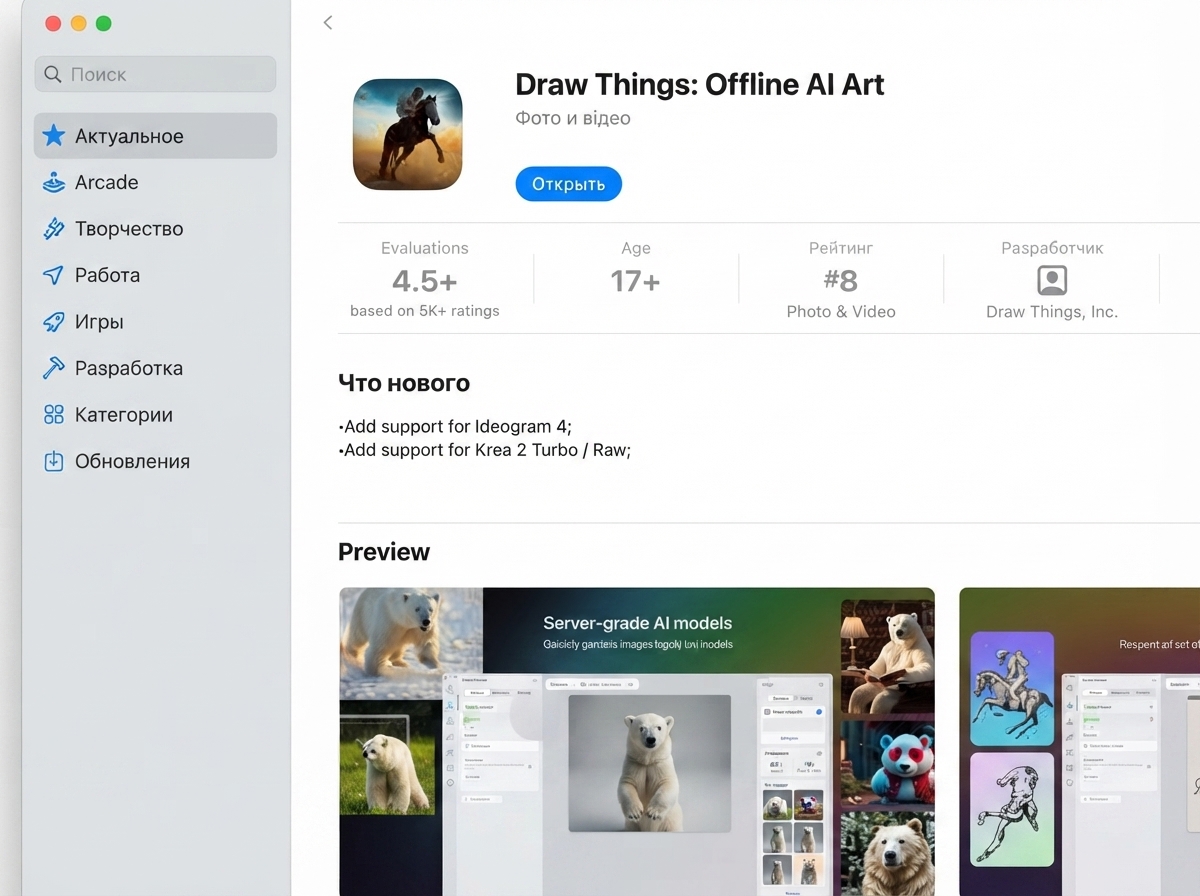
I use one of the popular Flux.2 Klein 4B models, which requires 13 GB of RAM to function. My Mac is fully compatible with it.
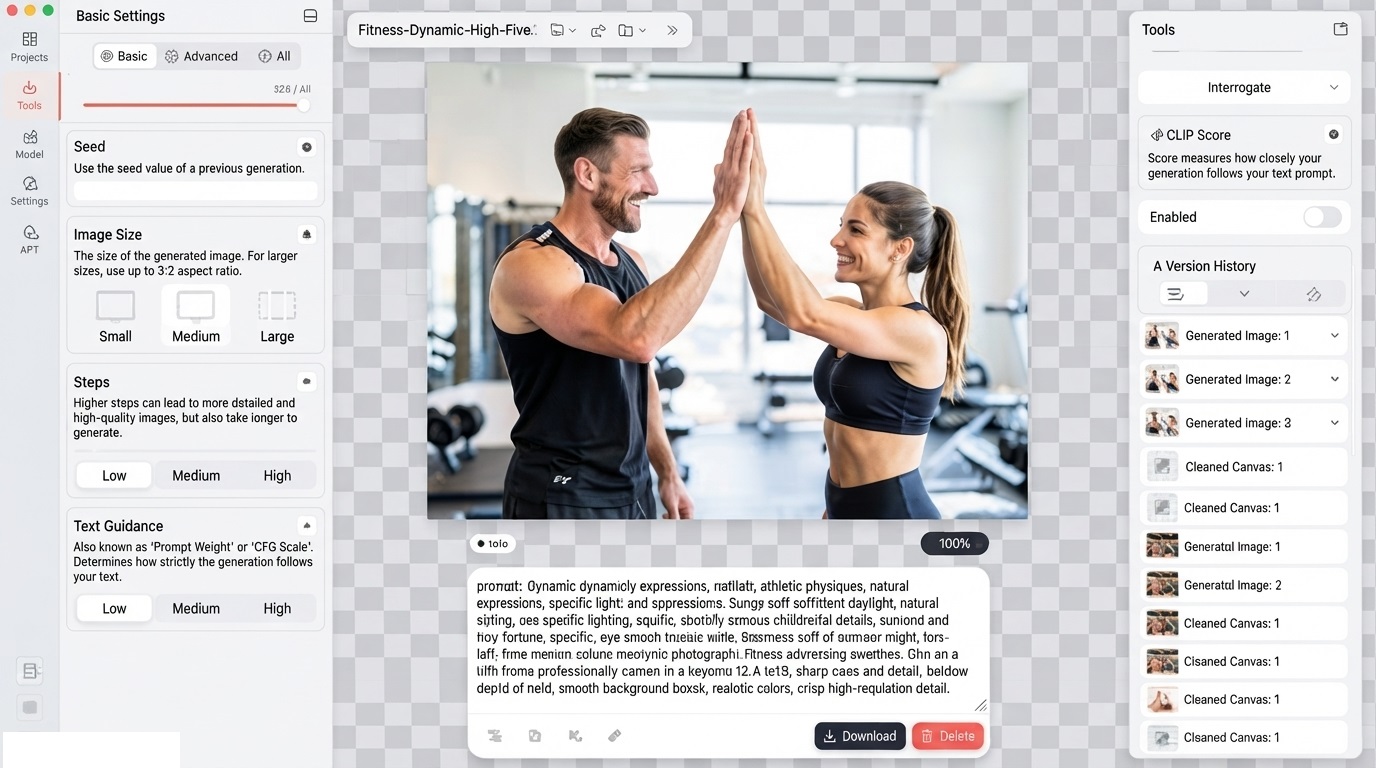
I use the model primarily to generate stock images that can serve as filler in an article or become the basis for further illustrations. Since the app also has a built-in area-specific editing tool, it can replace Photoshop when it stubbornly fails.
Installation is even simpler here. Download the app, select the model directly within it, install it, and off you go.
Photoshop tools
Now let's move on to models that are already integrated into popular software. Photoshop already uses local models in many of its tools.
I use three constantly:
- Selecting objects
- Deleting objects
- Neurofilters in human processing
The first two reduced the work with images to an immeasurable degree. Selecting objects used to be a special manual skill, but now it has become a matter of one click.
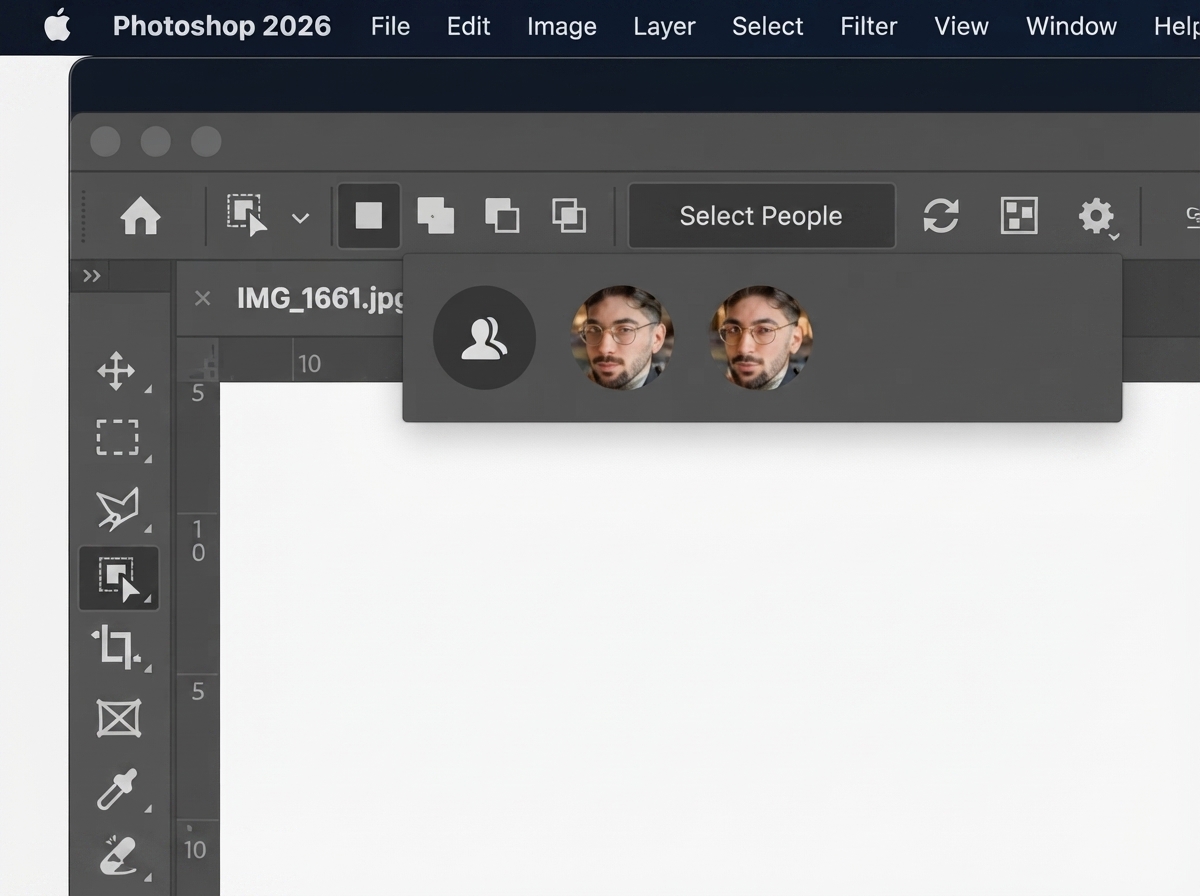
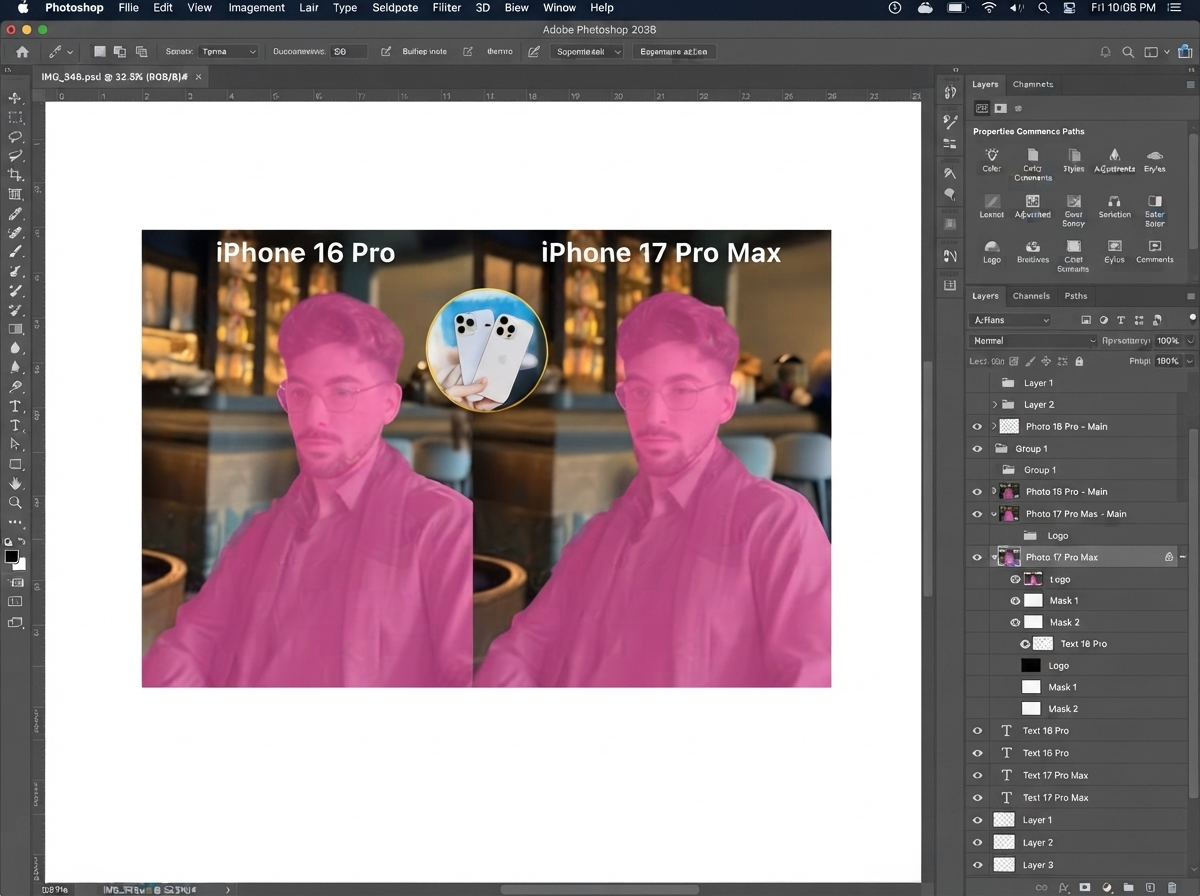
I even took a separate course to learn how to beautifully remove objects, and I have never regretted that the computer now does it for me.
iOS, but almost without Apple Intelligence
This post can't be left without discussing the models that are built into our iPhones and used every day. Apple hid small neural networks behind the term LLM for years until ChatGPT helped associate "AI" with something truly high-quality.
I won't list the dozens of smart technologies built into iOS, but I'll just mention my favorites:
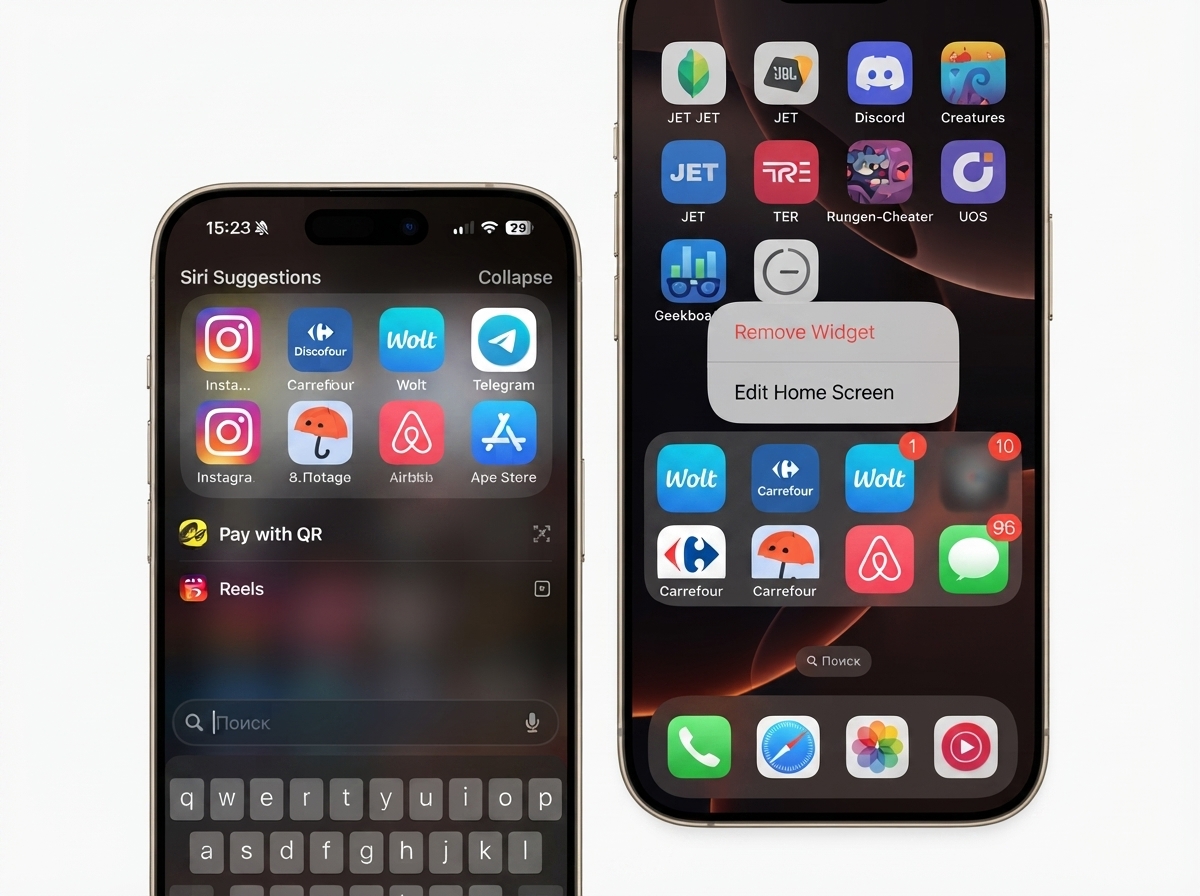
1. Siri App Suggestions & Spotlight
I really like Siri app suggestions and use them in two places: in Spotlight search and in the dedicated Siri suggestions widget on my desktop. These two places show up the apps I need right now 98% of the time. This feature was introduced back in 2015 with iOS 9 for Spotlight, and it never fails.
2. Apple Watch Health Trackers
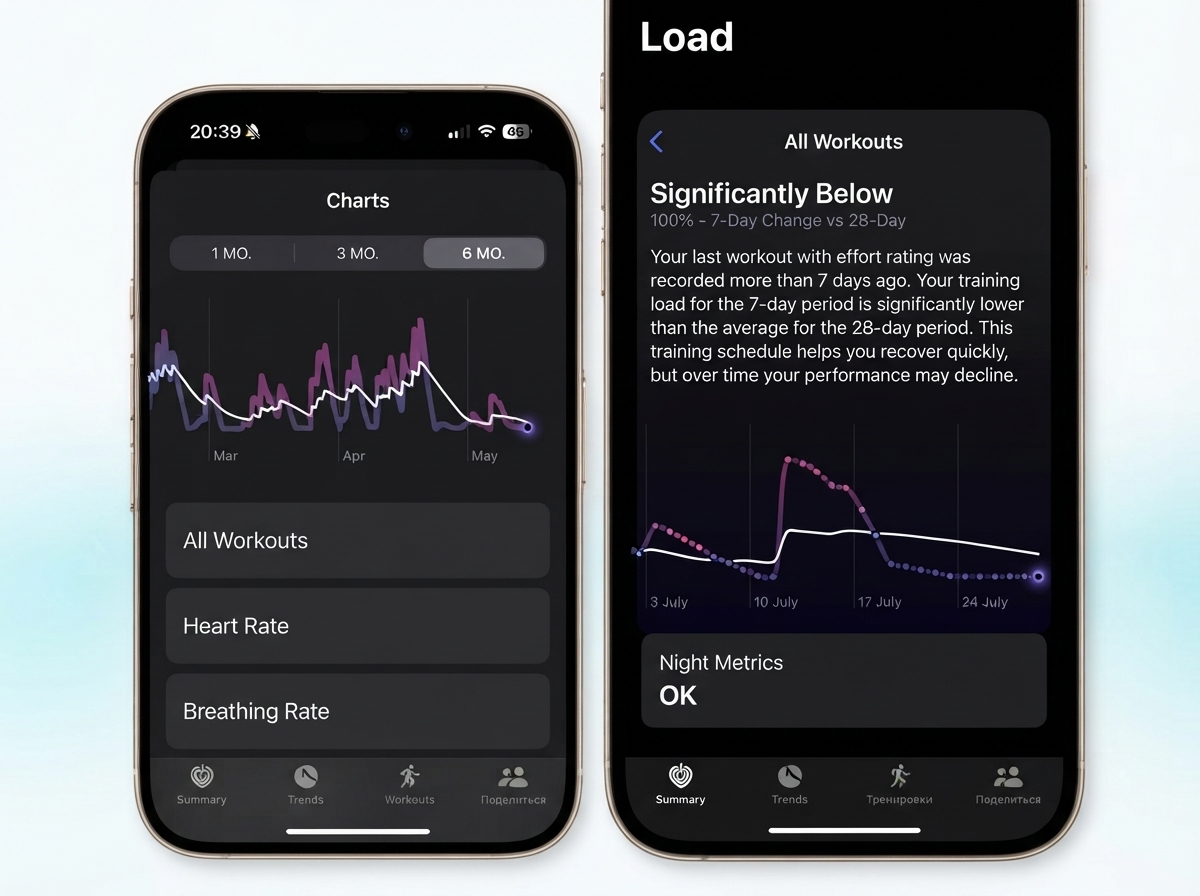
All Apple Watch trackers also use local models. I'm a big fan of the watch and have written about how it helps me with my health more than once. For example, offline AI is used to track strength training, running and swimming, breathing and sleep phases, and to measure its duration.
3. Photo Collections
Photo Collections. Although they sometimes become the subject of memes, reminding us of unpleasant people, overall this feature works very well and brings up truly heartwarming photos with loved ones. I keep widgets with them on my iPhone and iPad home screens.
4. Object Removal & Frame Expansion in Photos
And, of course, the object removal and frame expansion tool in the Photos app, powered by Apple Intelligence. In iOS 18, it performed poorly and was only good for removing dust, which could be fixed with a patch in any other app. However, in iOS 27, it's been greatly improved. Now, the eraser beautifully removes large areas and complex elements from photos without any hallucinations. Along with the ability to expand a photo, these are now two of my permanent local AIs that I always keep on hand.
If this can be done on the old M1, what will happen on the M7?
When I bought a MacBook with M1 Pro, I couldn't even imagine that I would be able to communicate with it like with a real person in offline mode. We are very lucky that neural networks require two well-known components: RAM and a graphics chip (GPU).
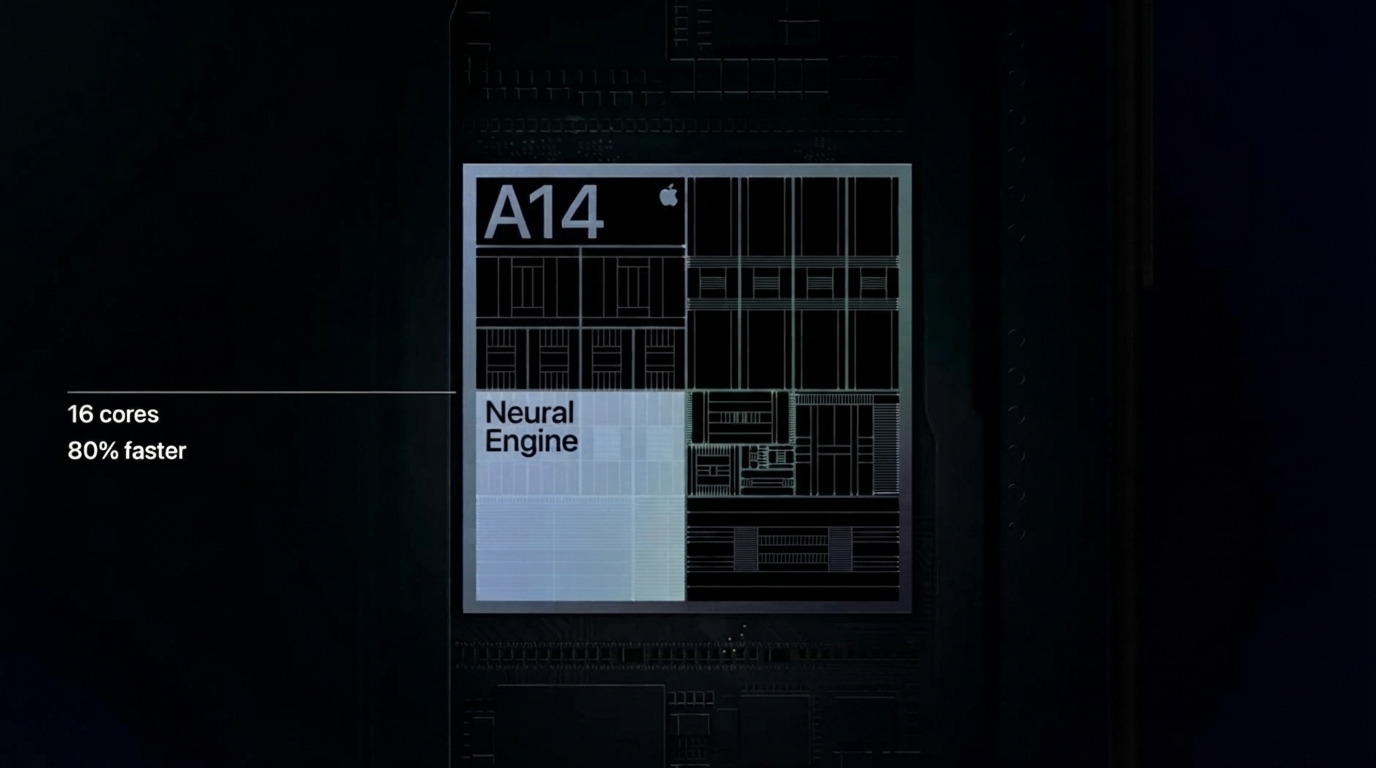
However, back in 2017, with the launch of Face ID, Apple realized that it would be better to develop a separate NPU for local LLM models.
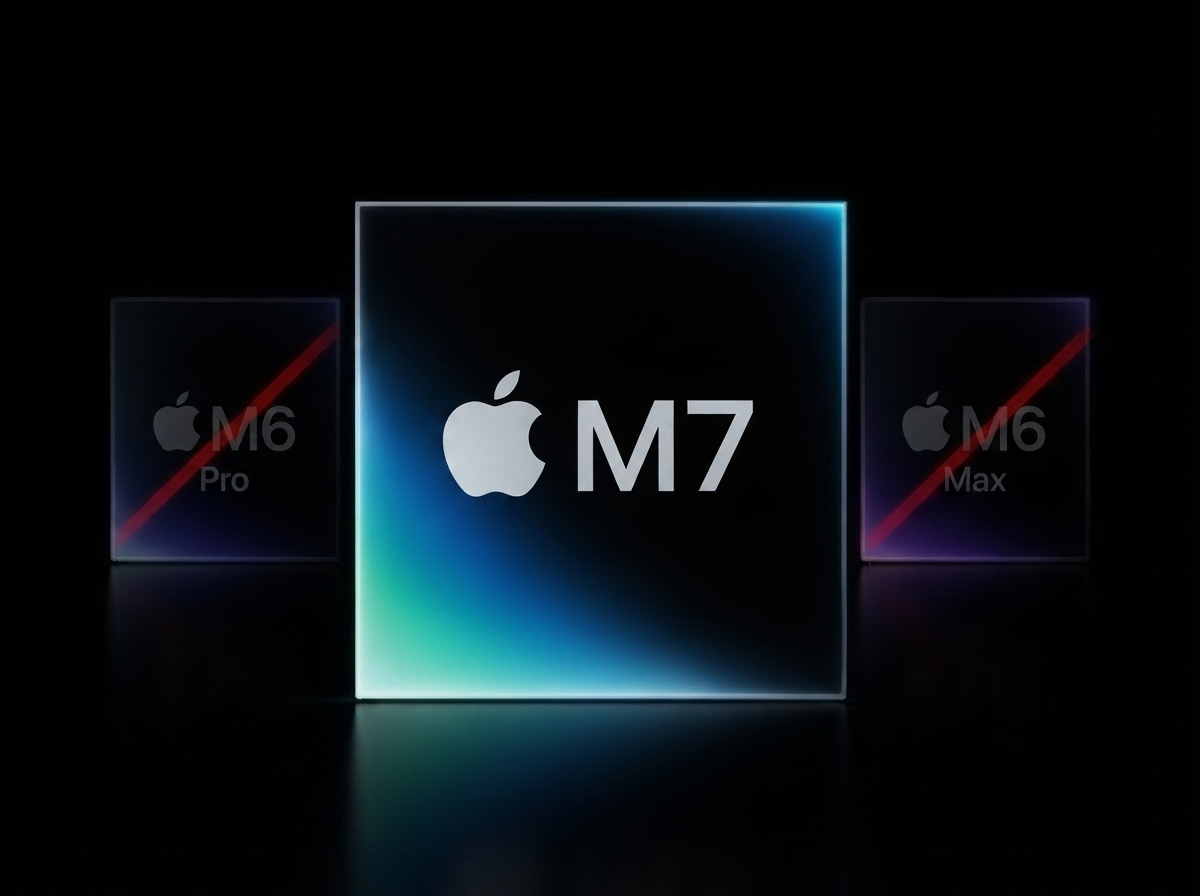
Each Apple chip release is accompanied by a mention of an improvement in the neural processor, designed specifically for neural networks. Since its launch in the iPhone X, the module's development has not stood still, and precisely because of this, Apple will release only the base M6 and skip its advanced Pro and Max versions in order to more quickly create chips that support advanced local models.
Over the past four years, neural network developers have made local models superior to those that initially required huge servers. I'm confident that by the end of 2027, when we see the M7 Pro and M7 Max, their performance will increasingly replace online models, which, as we all know, are expensive and environmentally unfriendly. For example, the current NPUs in the M5 aren't designed for large LLM models, and this should be addressed in the M7.
In the meantime, even with an old gadget you can do things we couldn’t even dream of.
Share your thoughts in the comments!